60
60
If you use a Username and Password to log into UKG, rather than signing in with your RT Moore email, you can reset your password by clicking Forgot Password on the UKG Login Page:
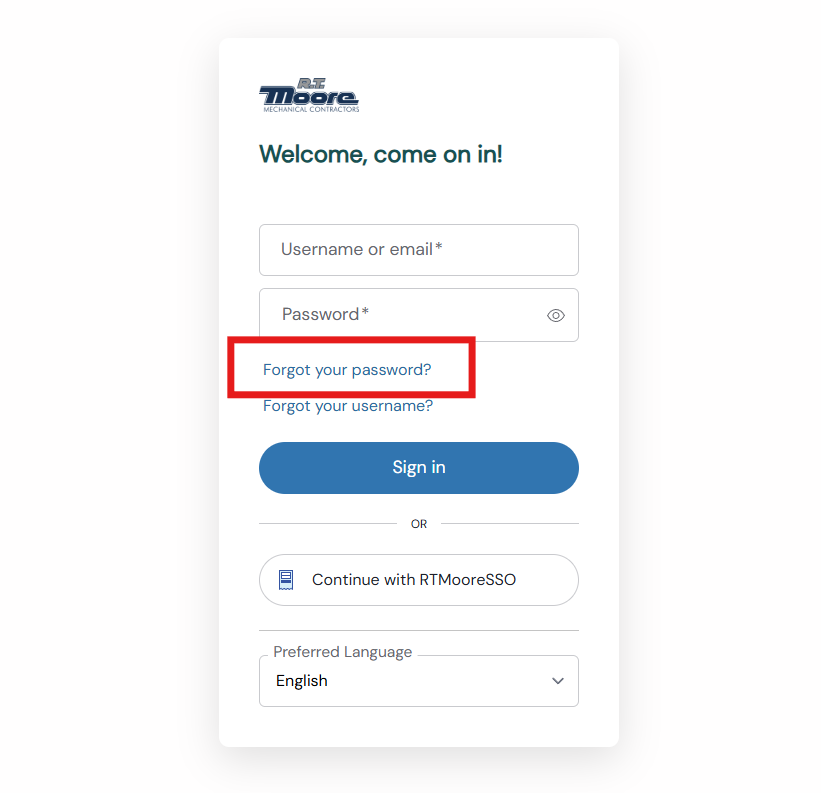
From there, you can enter either your UKG Username (i.e. SmithJ) or your personal email tied to your UKG account (i.e. [email protected]).
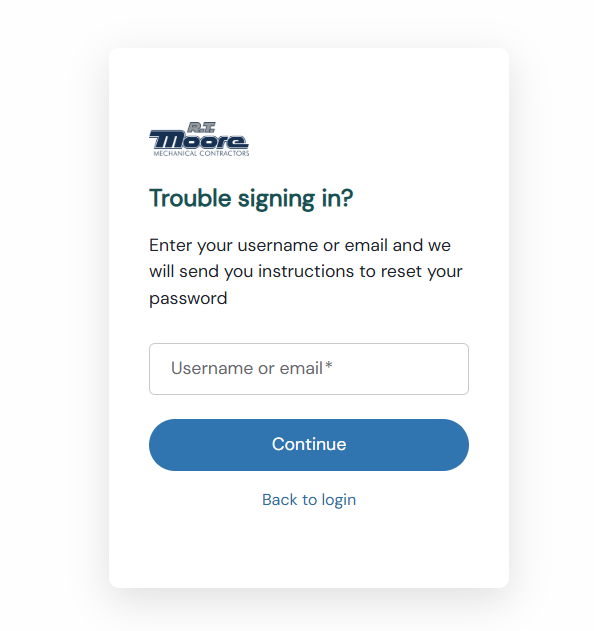
If that account exists in our system, you will receive an email to your personal email with a link to reset your password. That email should look like this:
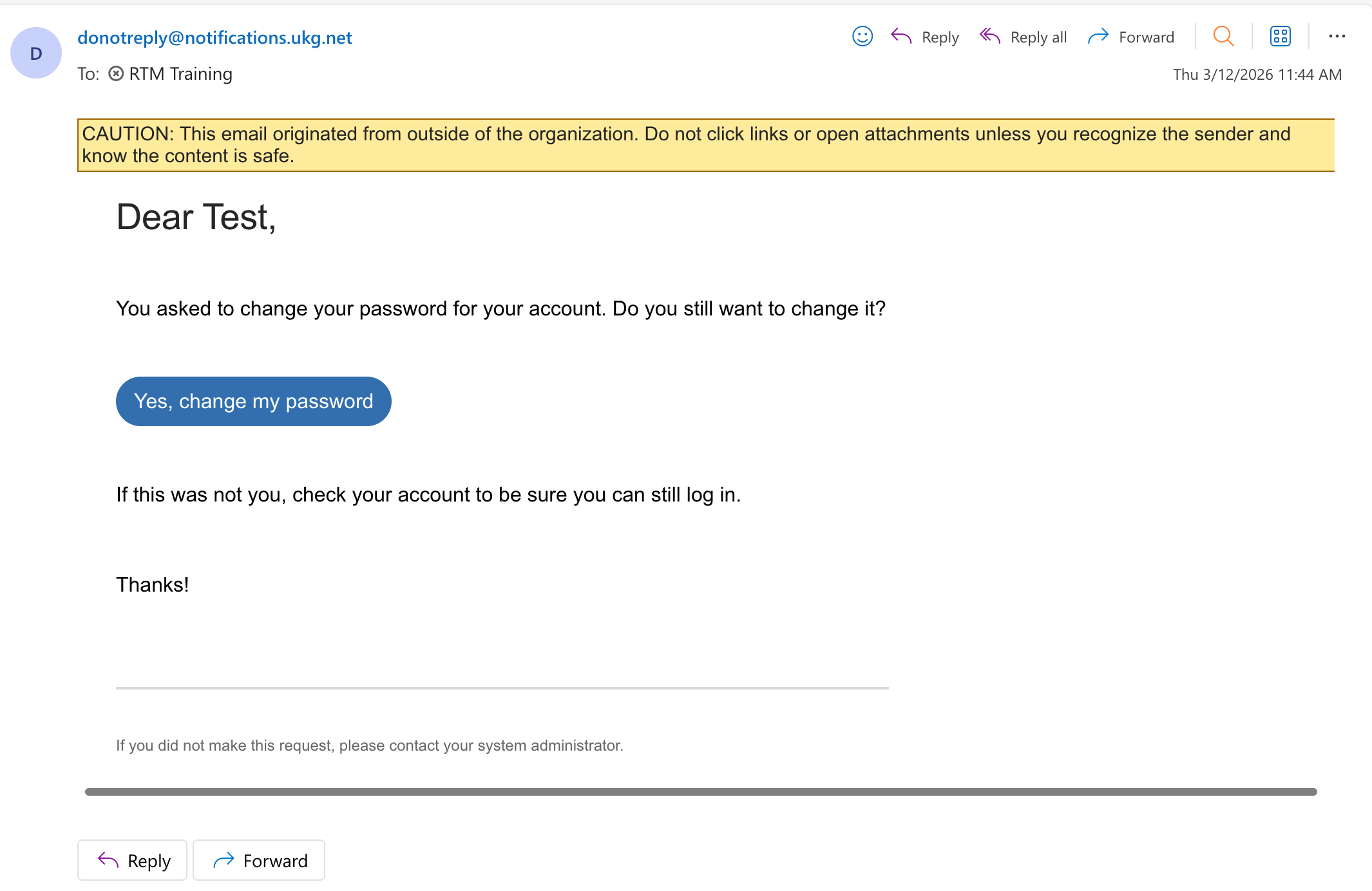
If you click the link, you will be taken to a new page to reset your password. Enter your new password,
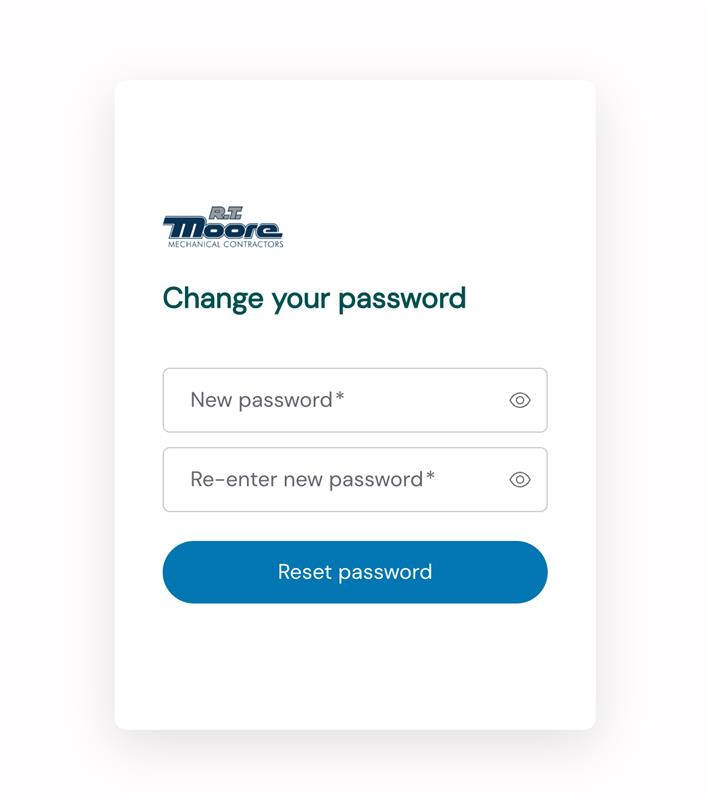
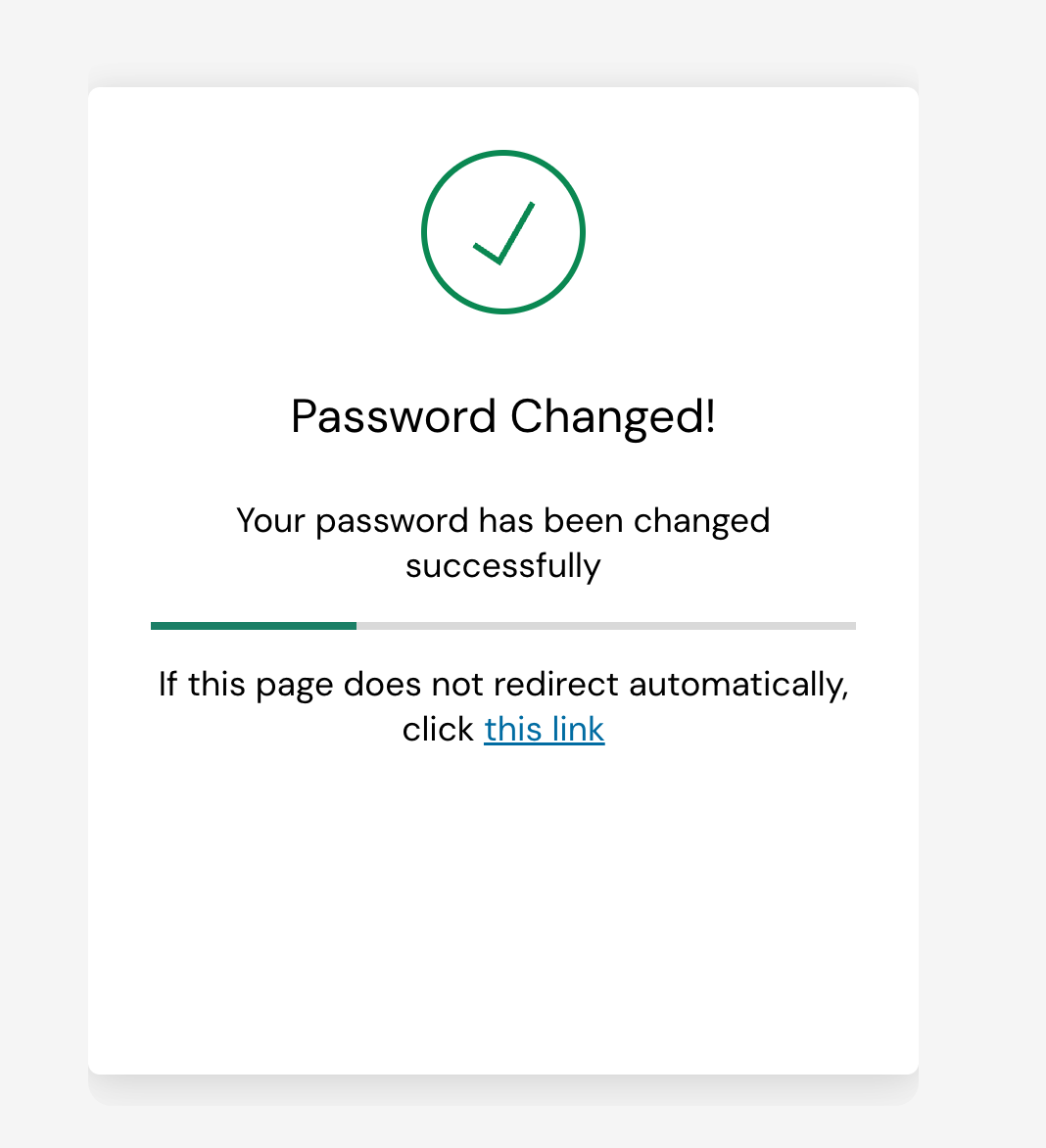
After that, your password should be changed, and you can login with your Username and new password. If you have any issues or questions, please create a helpdesk ticket by emailing [email protected]