


 107
107
When logging into UKG from a computer, please navigate to ‘rtmoore.ukg.net’ . You should land on the page below. If you have a bookmark saved to your browser, you can right click it and hit "edit" to update the bookmark URL to 'rtmoore.ukg.net', or if you don't you can create one with this link for the future.
On a tablet or phone, please open the UKG Pro App, and enter the company code: rtmoore. You should then see the login page.
That page should look like this:
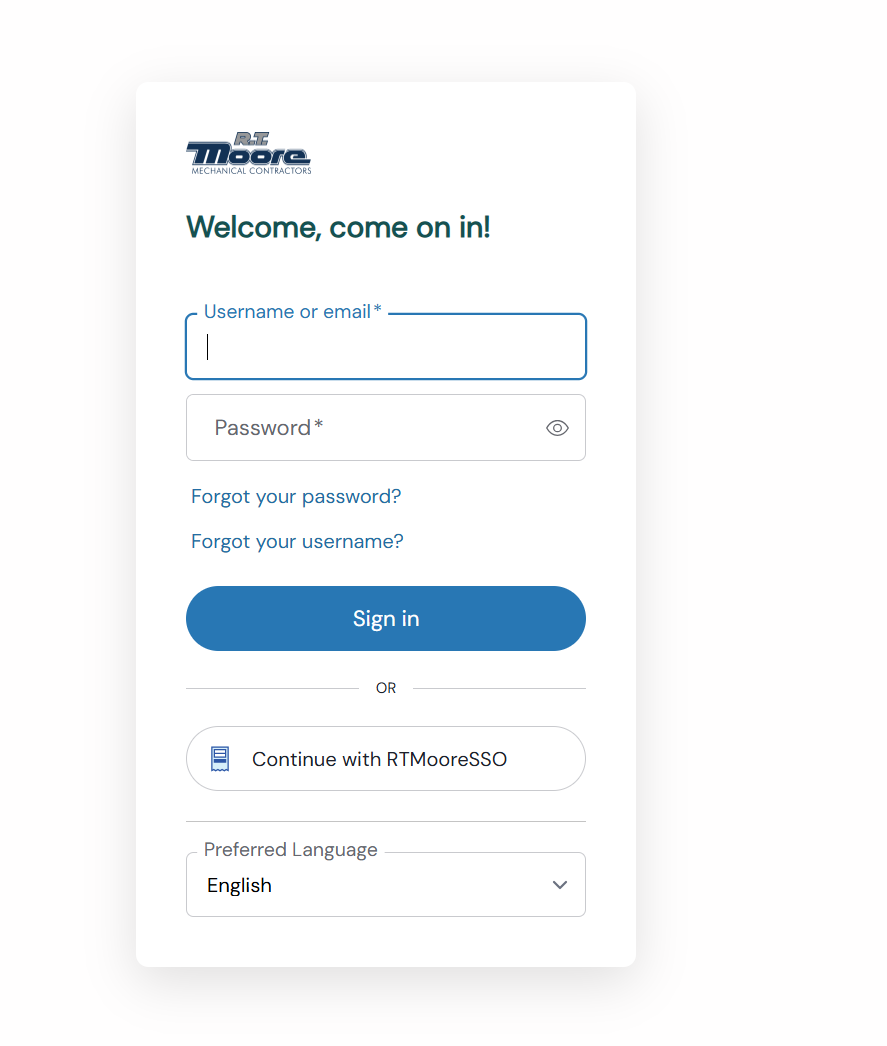
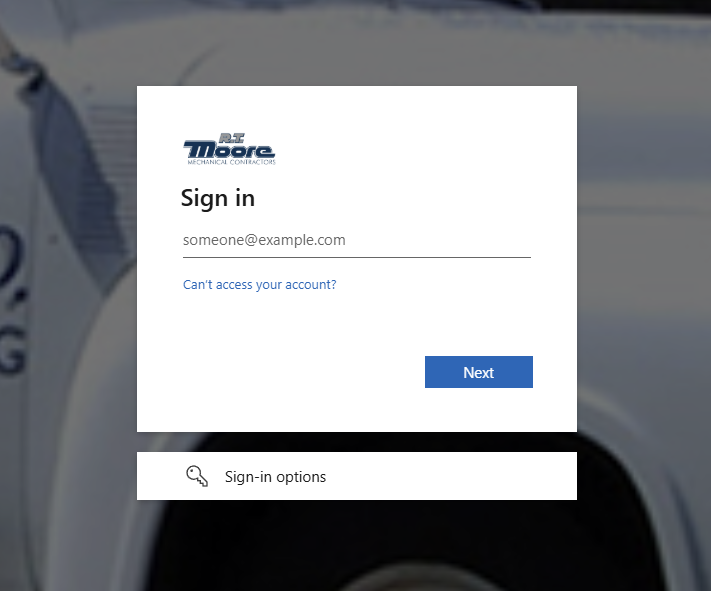
If you have previously used SSO to login (folks with an RT Moore email), you will still use SSO to sign in. You will hit "Continue with RTMooreSSO". From there, you will sign in with your RT Moore email and password.
If you have previously used a username and password to log into UKG. You can enter that username and password at the top. If you do not remember your password, you can select "Forgot your Password?" to receive an email to your personal email with information on how to reset it.
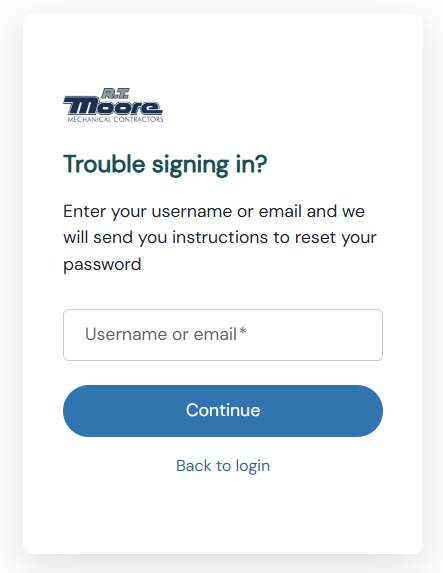
If you are unable to reset your password, or if you have any questions, you can create a helpdesk ticket by emailing [email protected] , and a team member will answer any questions you may have.

